Open the menu
Press N to open the MacroKeybinds menu. You can change this key under Options > Controls.
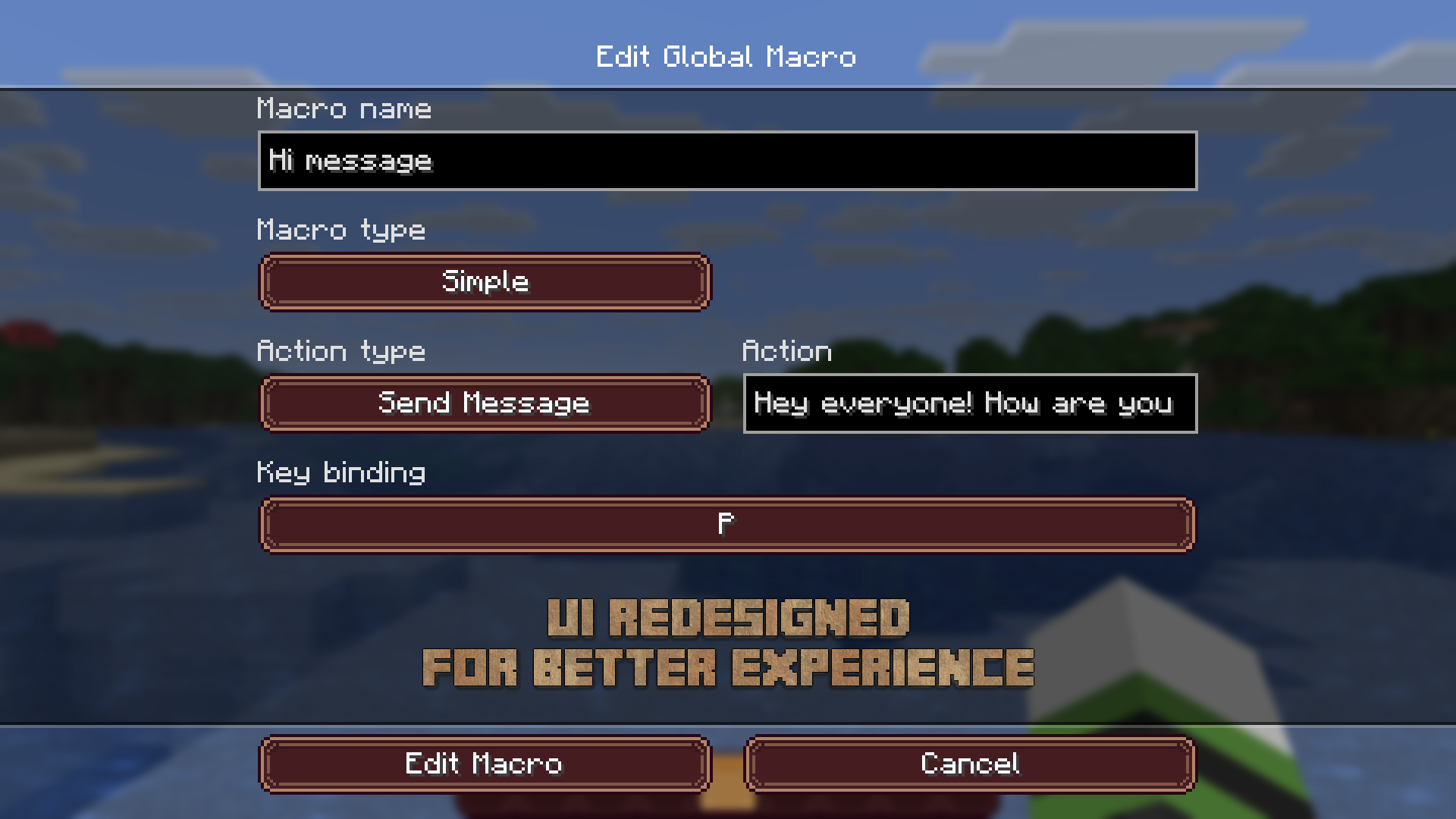
Action types
MacroKeybinds lets you create macros to perform tasks faster. Each macro can use one of these actions:
- Execute Command: runs a Minecraft command or a server command.
- Send Message: sends the selected message in chat.
- Type Message Without Send: fills chat with the selected text without sending it, so you can review or edit it before confirming.
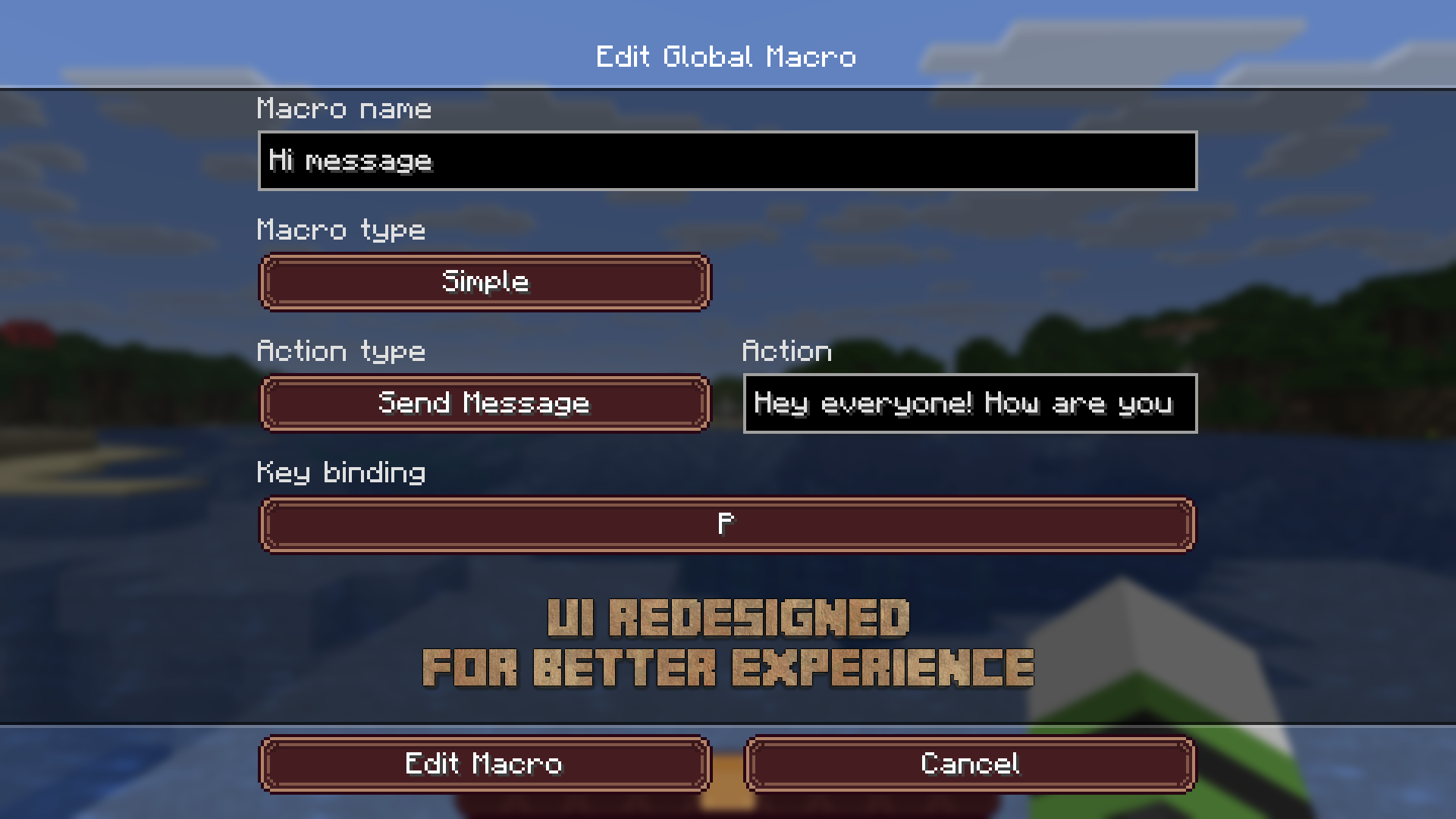
Execution modes
- Simple: one press runs the macro once.
- Toggle: one press starts repeating the macro at the selected interval. Press again to stop.
- Repeat: hold the key to repeat the macro at the selected interval.
- Delayed: one press starts a timer and runs the macro when the selected delay ends.
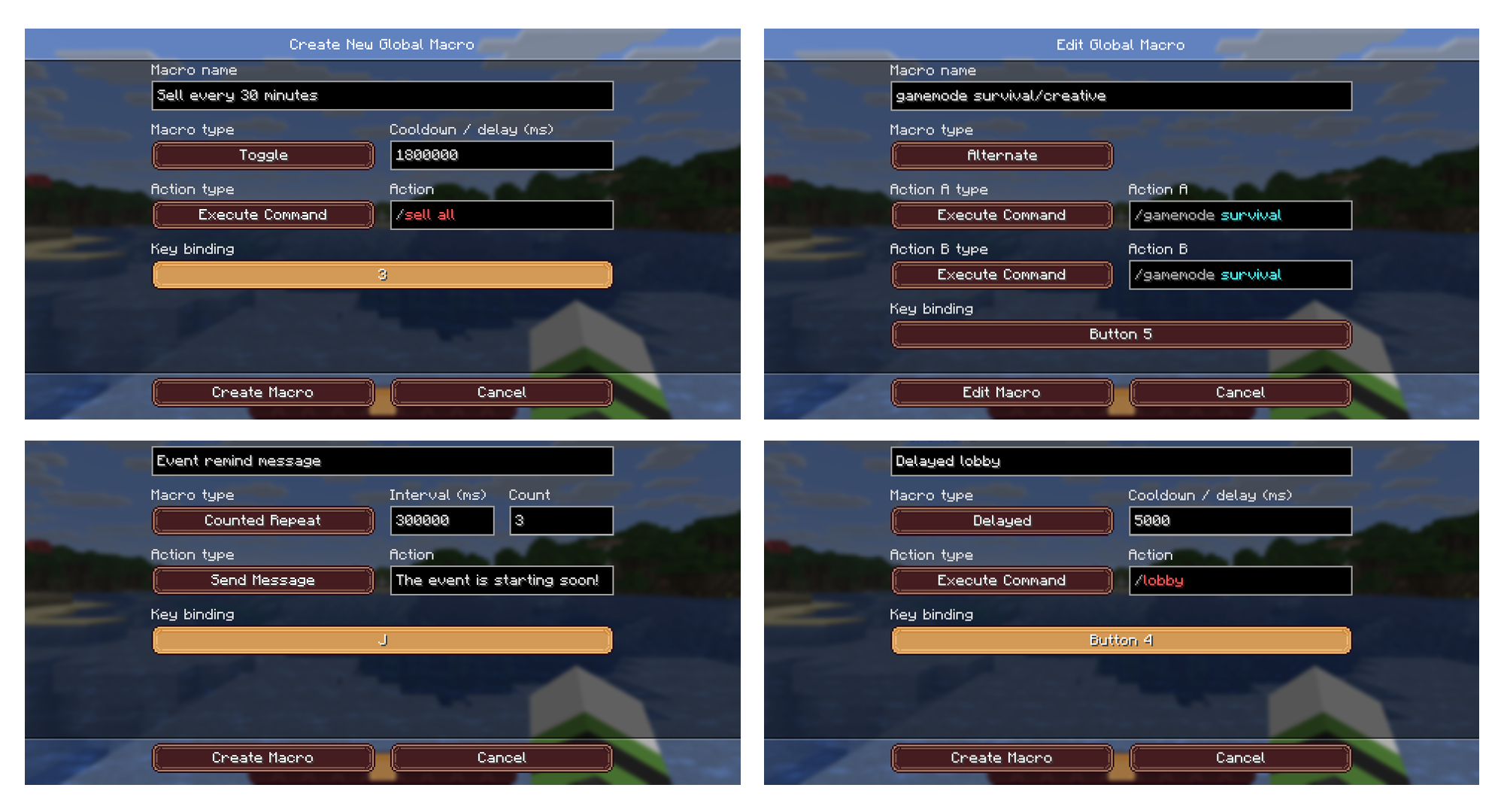
Configure durations and intervals in the macro options.
Global and server-specific macros
You can create macros available on every server, or macros for a specific server. Server-specific macros are useful when you play on multiple servers and use different commands.
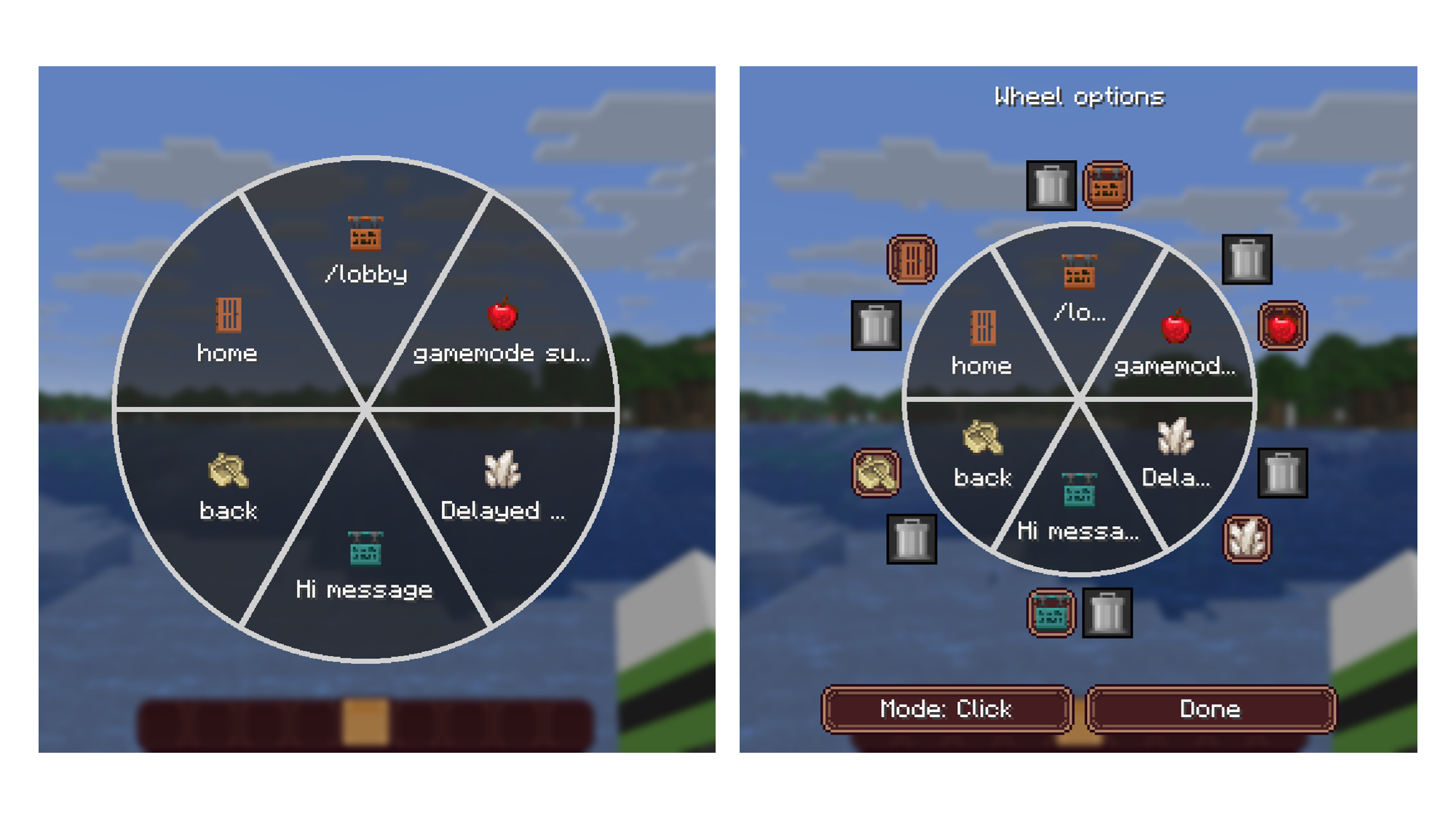
You can assign several macros to the same key.
Was this guide helpful?Find more tips in the help center.Explore the wiki